Single unified script
One install powers FormComplete, Chat, Schedule, and WebSights. Future products plug in without a new deploy.
Case Study · Integrations
ZoomInfo's four growth products — FormComplete, Chat, Schedule, and WebSights — each shipped their own website script. Every new form meant a new deploy, a new developer ticket, a new week. We rebuilt the installation layer as a single platform script so marketers could move on their own.
Role
UX/UI Designer III
Scope
Cross-product platform layer
Timeline
Multi-quarter initiative
Stakeholders
4 product teams · marketing ops
The problem
FormComplete demanded a fresh script for every form. Chat, Schedule, and WebSights each shipped their own installation flow. Each on its own felt manageable; together they meant marketers couldn't launch anything without a developer in the loop — and engineering teams couldn't evolve the platform without breaking four implementations at once.
Key insight
Fixing the parts wouldn't close the gap. The work had to move up a layer — from products to a platform.
The solution
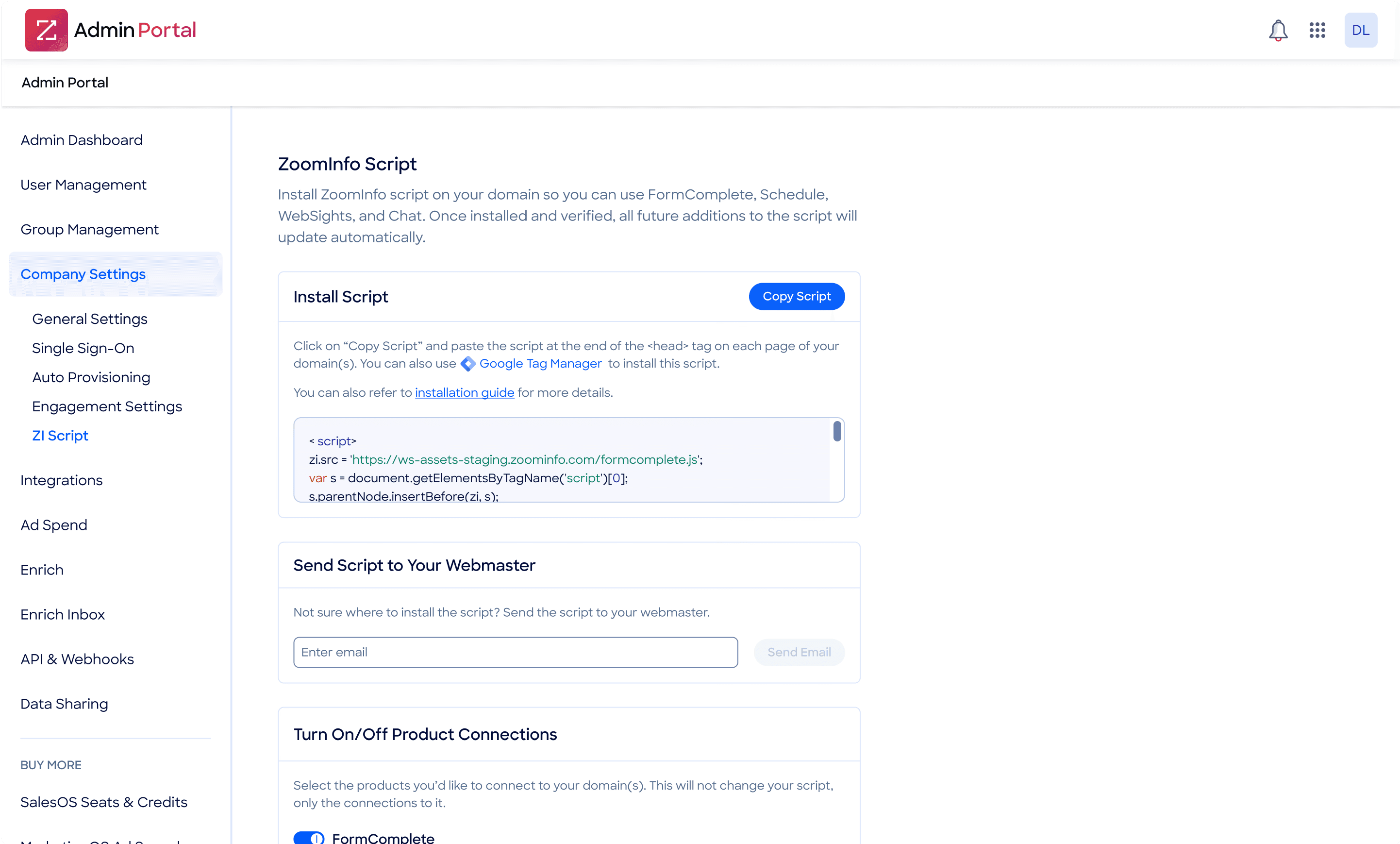
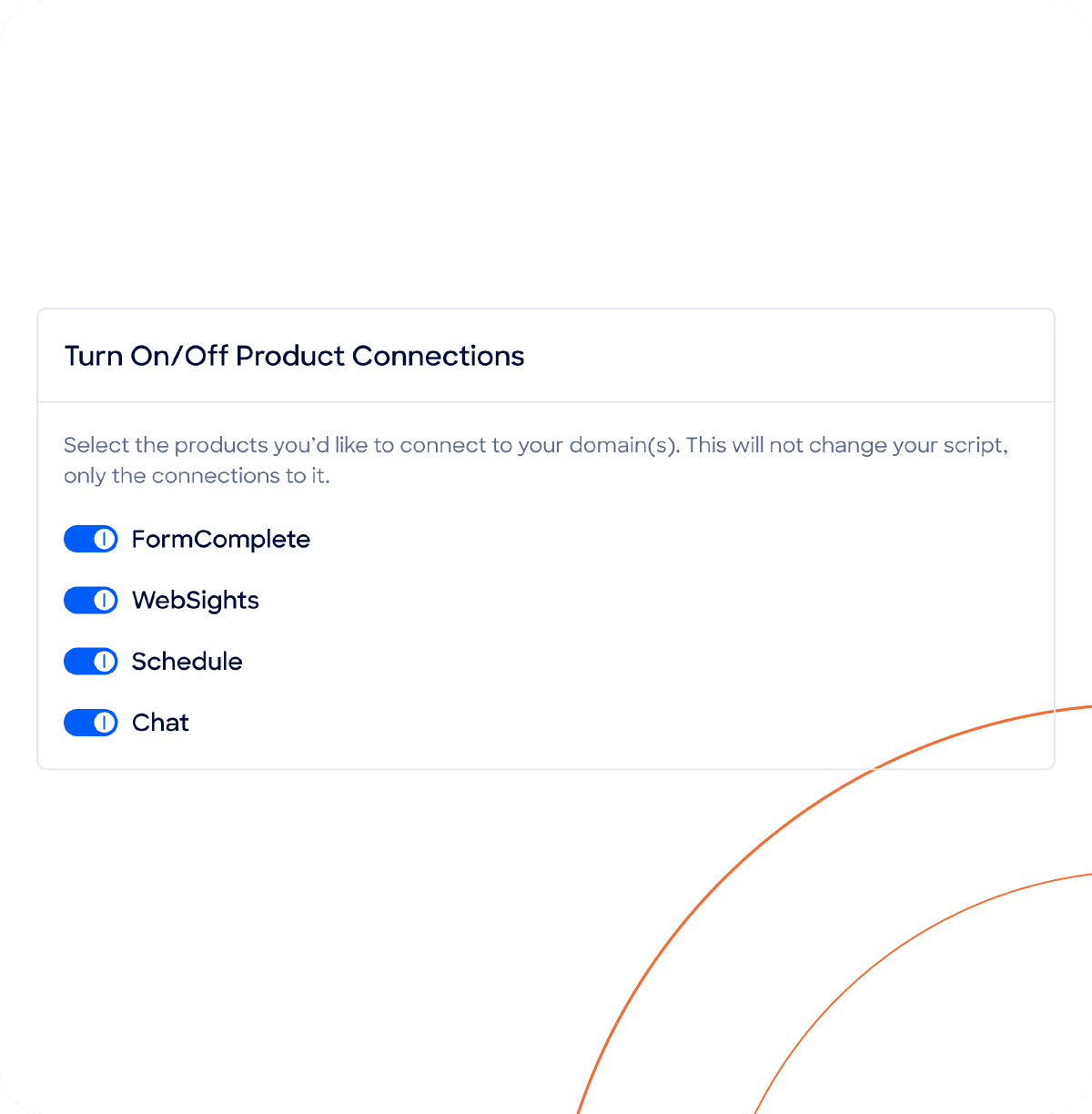
The redesign replaced four scripts with a single unified one, installed once on the customer's site. From there, marketers could turn products on, configure forms, and ship campaigns without re-engaging engineering. The architecture shift was invisible to end-users — the workflow shift was not.
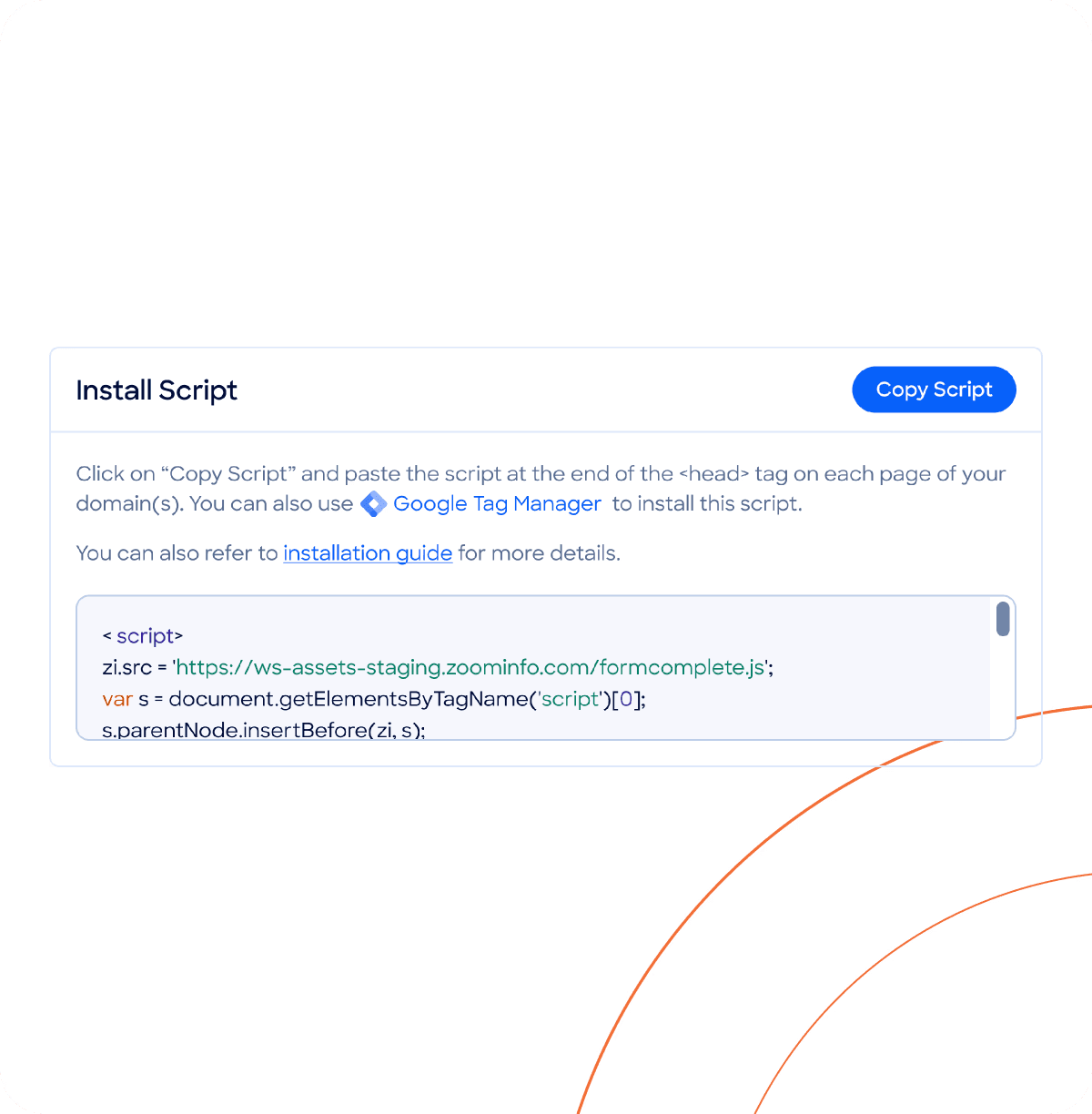
One install powers FormComplete, Chat, Schedule, and WebSights. Future products plug in without a new deploy.
After the one-time setup, marketers create and update forms independently — no developer ticket, no waiting room.
Configuration, installation, and management share one interaction language — so learning one product means knowing them all.
Design decisions
Migration
The cutover had to be invisible to live implementations. The new flow ran behind the old surface until parity was proven, then swapped without re-onboarding anyone.
Surface
Each product kept its own configuration depth. The shared layer was installation and management — the parts marketers touched every day.
Ownership
When a decision could be made by either a marketer or a developer, marketers won. Cutting handoffs was the whole point.
Outcomes
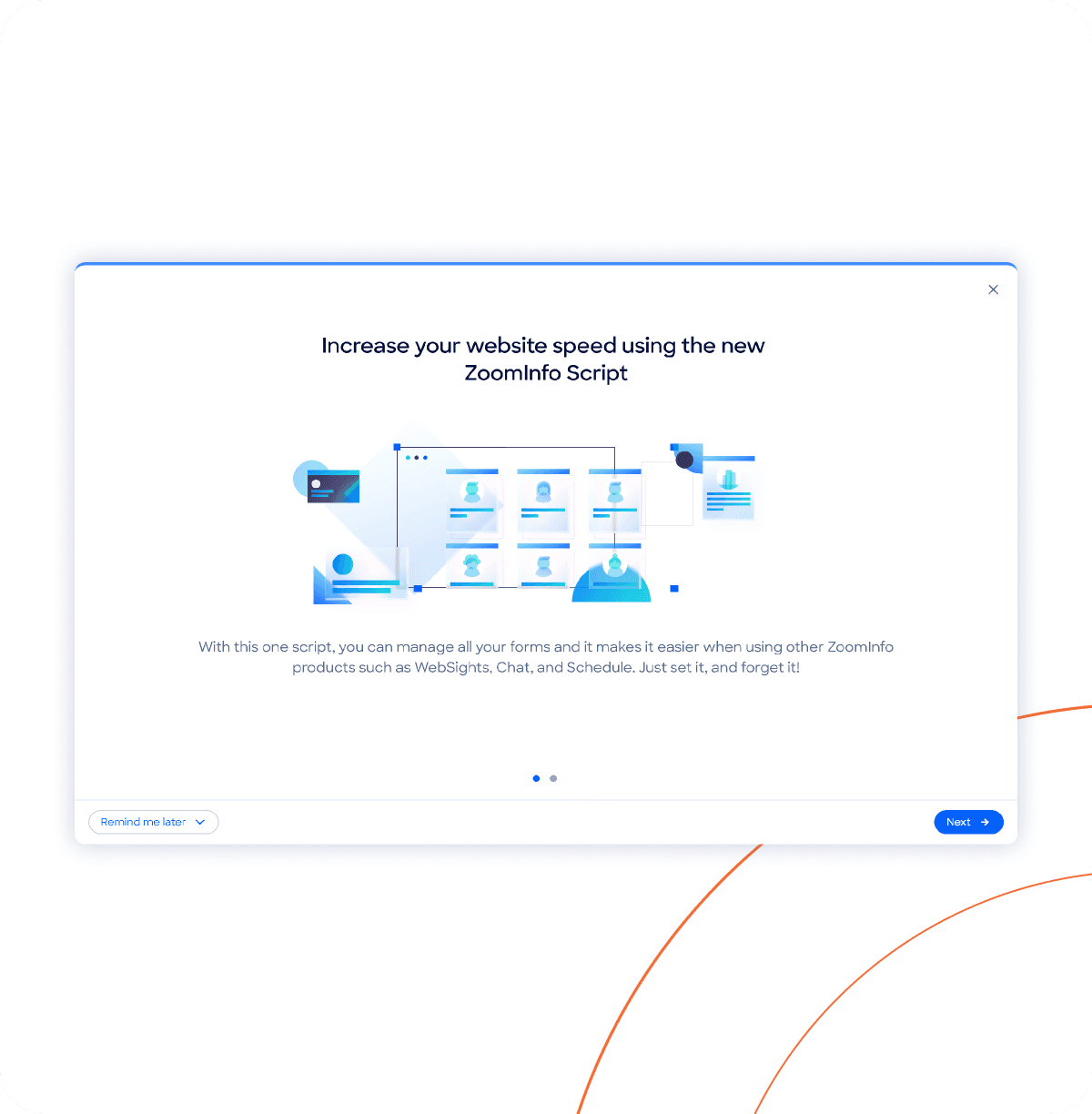
Marketers ship campaigns without a developer dependency. Engineering teams ship platform changes without breaking four implementations. New customers install one script instead of four, and any future ZoomInfo product gets distribution for free.
What I took from it
The clearest measure of this redesign wasn't aesthetics or even efficiency — it was who needed to be in the room to ship a campaign. When the answer dropped from "marketer + developer + ops" to just "marketer," the design had done its job.
Up next